
Site Management

Organize your company by individual job sites with Wombat Site Management. Assign site-specific content, roles, and workflows so every location runs efficiently, safely, and in compliance.

Keep Every Job Site Organized
and Compliant
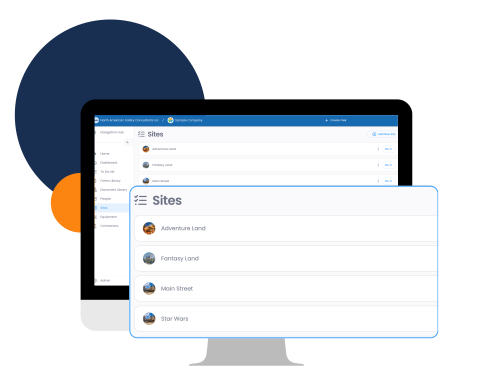
Site-Specific Content
- Push down content like forms, documents, and training to individual sites.
- Keep requirements clear and relevant by ensuring each site only sees what applies to it.
- Reduce confusion by avoiding company-wide clutter that doesn’t apply everywhere.
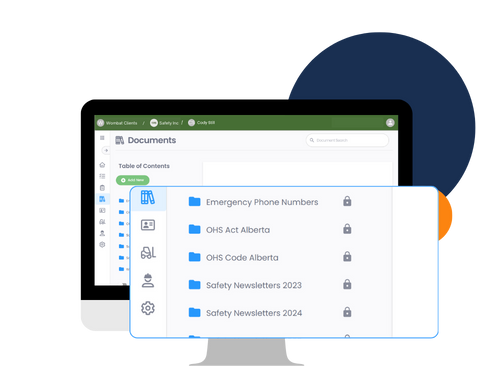
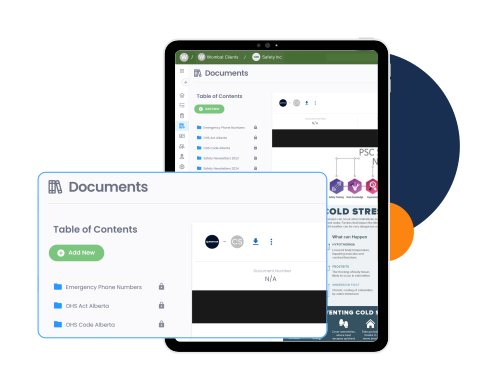
Custom Forms & Documents by Site
- Build forms or policies that are specific to one job site.
- Ensure that site-specific workflows, hazards, or compliance requirements are captured properly.
- Publish updates instantly so workers onsite always have the latest version.
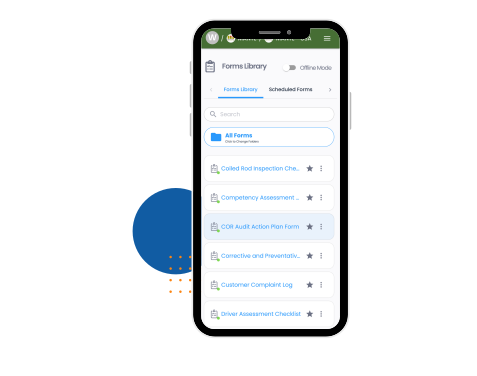
Assign People to Sites
- Add workers and supervisors directly to their site so they see only what’s relevant.
- Track training, forms, and tasks specific to the site they’re assigned to.
- Keep oversight clear for prime contractors and safety managers responsible for multiple sites.
Subcontractor Access
- Give subcontractors access to the site’s requirements and documentation.
- Keep all parties aligned on expectations before they step onto the job.
- Maintain compliance and accountability across all subcontractor activities.
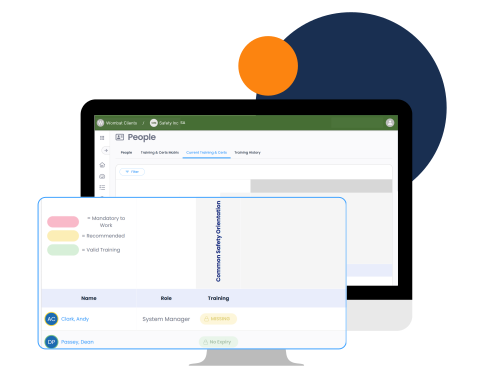
Site-Level Oversight
- Monitor what’s happening on each job site from one central place.
- Track site-level training records, document completion, and form submissions.
- Quickly see which sites are on track and which need attention.
Why Document Management with Wombat?

Frequently Asked Questions About Wombat Safety Software
Site Management
What does “Site Management” mean in Wombat?
Site Management organizes physical job sites so each location has site-specific forms, documents, and training.
Can Sites be used for company divisions or departments?
No. Sites are intended for physical worksites, not corporate divisions. Each site operates independently with its own requirements.
What kind of content can be assigned to a site?
Forms, documents, training requirements, and personnel can all be assigned directly to a site.
Can subcontractors access site-specific information?
Yes. Subcontractors can be given access to requirements and forms specific to the site to ensure compliance before they arrive.
Can I build forms and documents that apply only to one site?
Yes. You can create and publish content for an individual site without affecting company-wide material.
How does Site Management help prime contractors?
Prime contractors can centralize site-specific forms, training records, and compliance tracking to oversee multiple worksites efficiently.
What happens if I need to update a site-specific policy?
Updates can be published directly to a site and are instantly available to everyone assigned to that location.
How does Site Management improve safety?